The OS and inbox as intermediary: How AI is (literally) rewriting customer engagement
Published on February 06, 2026/Last edited on February 06, 2026/6 min read

Haley Trost
Director, Product Marketing, BrazeCustomer engagement has long rested on a simple assumption: If you deliver a relevant message at the right time, your customers will see it and decide what to do next. But in 2026, that assumption no longer fully holds.
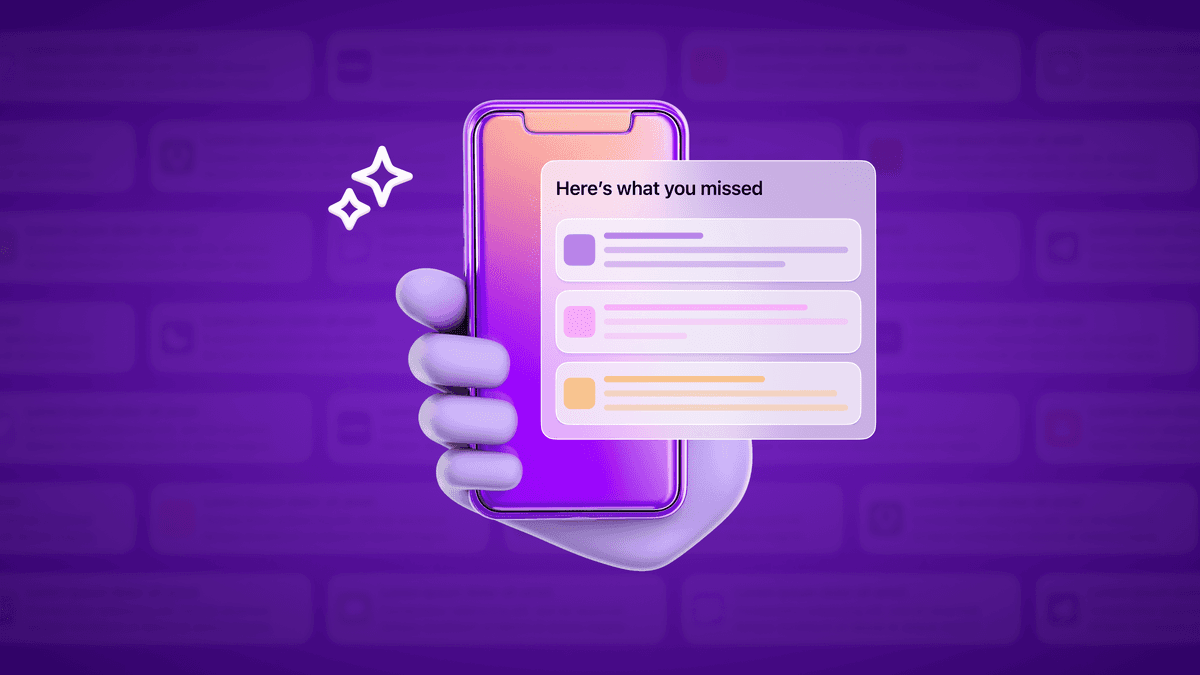
Across mobile and email, operating systems and inbox providers are complicating the direct customer/brand relationship by inserting AI-powered layers between marketers and users that interpret, summarize, group, delay, and sometimes silence messages before a human ever sees them. With Priority Notifications in iOS, Notification Organizer on Android, and now Gemini-powered inbox experiences rolling out in Gmail, platforms are transitioning from their old role as neutral delivery infrastructure and are increasingly becoming decision-making intermediaries.
This is a fundamental shift for marketers. Crafting the “perfect” message is no longer the end goal, because you’re no longer the final editor of that message. Engagement strategies now have to account for how systems—not just customers—interpret what you send.
From delivery layer to decision maker
How did we get here?
Let’s rewind to 2012, when Apple introduced Do Not Disturb. It had been only three years since the first push notifications were sent, and already users were overwhelmed by the sheer volume of alerts. Do Not Disturb offered a blunt but effective solution: silence everything, temporarily.
Fast forward to 2021, iOS 15 took a more nuanced step with Focus Modes and Notification Summaries. These features expanded on Do Not Disturb by giving users more granular control over when and how often notifications appeared. Filtering existed, but users were making the decisions.
Today, that control has shifted again. Not only are marketers no longer in the driver’s seat, users aren’t either. Instead, Apple and Google are now the ones deciding what messages gets shown, when, and how.
With Apple Intelligence in iOS 18, the OS began prioritizing and summarizing iPhone push notifications and emails in the Mail app on users’ behalf. Google followed suit in late 2025 with AI-powered notification summaries and Notification Organizer in Android 16. Then, in early 2026, Google announced a new Gemini-powered Gmail experience that generates AI Overviews from natural language questions and delivers personalized inbox briefings based on perceived priority.
These aren’t isolated features. Across email, SMS, and push, platforms are increasingly intermediating the relationship between brands and customers. Marketers are no longer the final authors of the experience, and customers aren’t making every decision themselves, either. As a result, engagement strategies need to evolve from pure message optimization to AI-aware design.
Designing messages for the intermediary
OS- and inbox-level AI can feel like a loss of control. Apple and Google haven’t provided marketer-facing controls to opt out of or bypass these systems, and there’s no reason to believe they will.
What is within your control is how you adapt: By designing messages so they can be effectively interpreted by both humans and machines.
1. Write message copy with machines in mind
Your messages now have a new first reader: AI. Before your message reaches a customer, a system evaluates what it’s about, how urgent it is, and whether it deserves attention. In this environment, clarity beats cleverness. Concise language and an explicit call to action make it easier for AI to correctly assess the importance and intent of your message.
An expressive but vague “Last chance! Shop now before it’s gone” message gives an AI very little to work with. A more direct, specific message like “24-hour sale ends tonight. Save 20% on select items through midnight” clearly communicates what’s happening and why it matters, giving the system the context it needs to effectively prioritize and summarize the message.
2. Build the relationship one message at a time
As platforms take on a greater role in deciding what’s important, they look for signals and patterns that indicate a real, ongoing relationship. On iOS, apps that users consistently engage with are more likely to have their notifications surfaced prominently. In Gmail, AI Inbox prioritization is influenced by inferred relationships based on message content and past interactions.
Every message contributes to a cumulative signal. That makes this the right moment to audit your most important flows. Ask whether each touchpoint earns its place. Does it introduce new value? Move the customer forward? Make the next message more likely to matter?
Instead of sending a series of messages that all prompt the same action (“Shop now,” “Don’t forget,” “Still thinking about it?”), design sequences where each message serves a clear, distinct purpose in the customer journey.
3. Timing matters more than ever
Generic, non-urgent messages are more likely to be buried in low-visibility tabs. Not only that, but timing can also feed directly into AI decision-making. Apple, for example, factors in how often and how recently a user engaged with an app when deciding whether to surface a notification. Sending too many messages too quickly is a recipe for notification grouping and silencing.
Contextual triggering is a powerful lever. Messages tied to real-time customer actions, like completing a purchase or reaching a milestone, are inherently more relevant and time-sensitive, making them more likely to be prioritized. Using features like send-time optimization can also increase the odds that users engage with your message, which in turn improves the visibility of future messages.
4. Ask for—and respect—customer preferences
Apple and Google didn’t introduce these layers in a vacuum; message overload was a real problem for their users. While platforms have built their own solutions, marketers still need to address the root cause. If you don’t already have one, consider creating a preference center for email, push, SMS, and any other out-of-product channels. Ask customers directly what they want to hear about, how often, and on what channels, and revisit those preferences over time.
The more relevant a message is to a customer’s interests, the more likely it is to be opened and engaged with. That engagement, in turn, reinforces the signals AI systems use to decide what gets surfaced next.
5. Invest in owned, in-product channels
As intermediaries exert more control over out-of-product channels, the fully owned real estate on your mobile app or website becomes more valuable. In-product channels like in-app messages, banners, and Content Cards allow marketers to deliver personalized experiences using the same first-party data that powers email, push, and SMS—without interference from platform-level AI.
Out-of-product campaigns should be orchestrated alongside in-product experiences whenever possible. An email promoting a new credit card offer, for example, should be reinforced with an in-app banner highlighting the same promotion. This coordinated approach increases the odds that your most important messages land, and ensures you retain full creative control somewhere in the journey.
Final thoughts
When Apple first announced AI-powered notification summaries, it was tempting to see them as a one-off feature. It’s clear now that AI-driven summaries, organizers, and inbox experiences are here to stay, reflecting a broader shift toward operating systems as active participants in customer communication.
For customer engagement teams, the path forward requires adapting to these new systems, doubling down on relevance and clarity, and accepting that you’re no longer the only editor in the room. You’re no longer just marketing to customers; you’re marketing to the systems that decide which customers hear from you at all.
Related Tags
Be Absolutely Engaging.™
Sign up for regular updates from Braze.
Related Content
 Article3 min read
From "sent" to "seen": Introducing Email Deliverability Essentials
April 14, 2026 Article3 min read
Why VPPA forces media brands to choose between compliance and relevance, and how to avoid that tradeoff
April 13, 2026 Article11 min read
Customer engagement in financial services: real-world examples that work
April 09, 2026